

The Family Car: America’s New Home Office
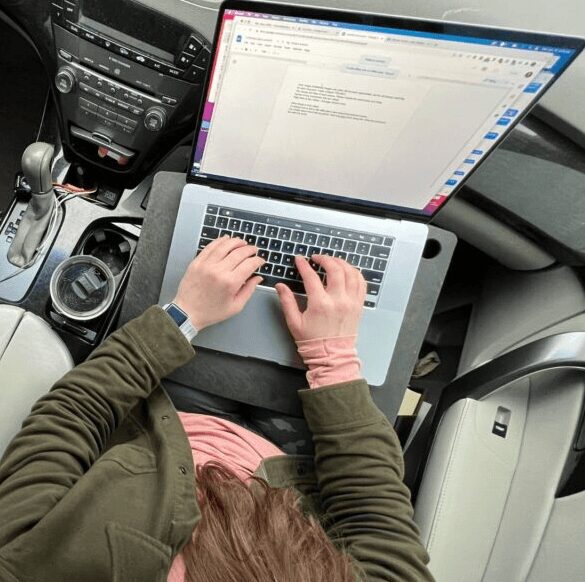
The Office No One Saw Coming
We’re delving into a surprisingly common yet often overlooked workspace: the family car. With remote work reshaping where we clock in, many Americans are finding that their daily driver has become their daily workstation.
Whether by necessity or by creative choice, working from your car isn’t just for police officers, sales reps, and delivery drivers anymore; it’s a whole new frontier for the remote workers and digital nomads who have started working from their cars. With these challenges, the need for comfort and ergonomics in our vehicles has never been higher. Just like in any office, a smart setup can keep aches and strains at bay. So how do you make this unconventional workspace comfortable, efficient, and kind to your body?
When Your Car Becomes Your Cubicle
For years, certain professions, police officers, parking enforcement agents, and delivery drivers, have logged hours working from their vehicles equipped with center-console computers or handheld devices. Sales reps bounce around from client to client, using their vehicles as mobile hubs. Each has a mobile setup that suits their on-the-go tasks. But for millions of others, the Covid-19 pandemic flipped their routines, turning cars into ad-hoc offices almost overnight.
Whether you’re a parent juggling Zoom calls or a freelancer seeking a quiet nook, whatever your reason, sitting behind working from your vehicle brings a unique set of ergonomic hurdles. After all, your car seat and steering wheel weren’t exactly designed with 9-to-5 comfort in mind.
Creating an environment that supports both productivity and physical health is the challenge. The basics of a good ergonomic setup apply everywhere… even in your car.
Ergonomics on Wheels: Seat, Screen, Support, and Setup
Let’s start with the foundation: your seat. You know how important a good chair is at your desk? The same goes for your car seat. Working in the passenger seat or in the backseat is recommended while computing. If you must work in the driver’s seat, push the seat back to give your arms some breathing room. Aim for a seatback angle that supports your full back. Make sure your seat is more upright for upper back support when working. Adjust the dedicated lumbar support or use a small pillow if needed to protect your lower back.
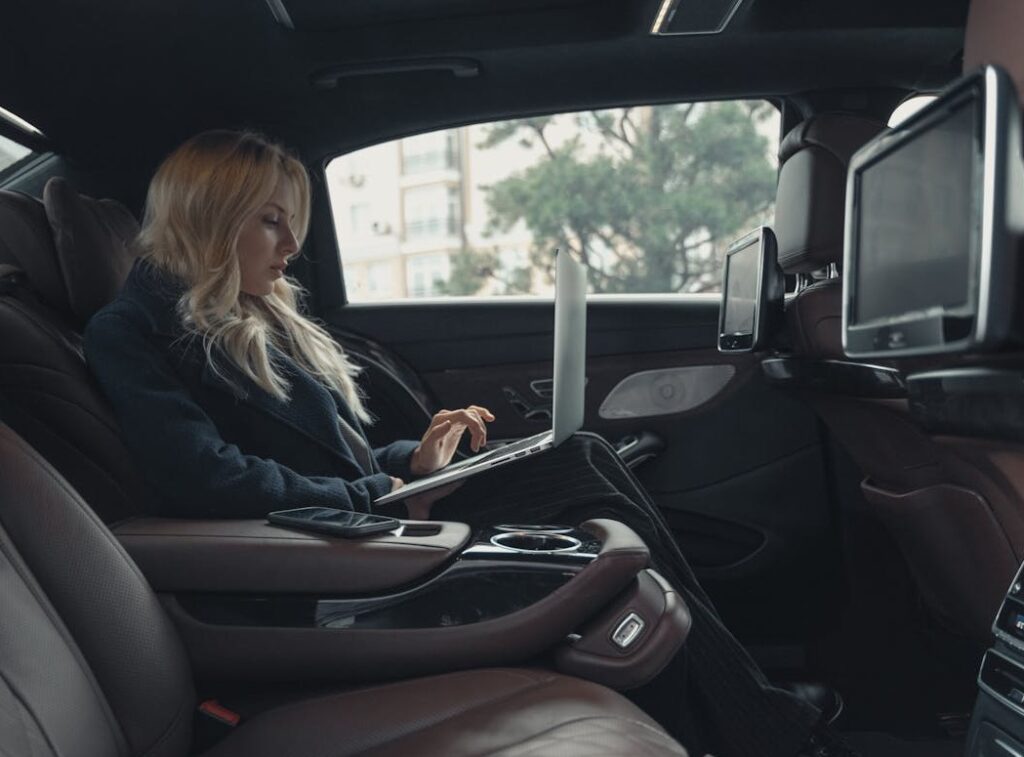
Next up, the desktop, or rather, the makeshift desk. There’s a neat assortment of gadgets and attachments, such as cushions, lap desks, and steering wheel trays, designed for car workstations. They bring your laptop up to a more eye-friendly height, with the top of the screen at or slightly below eye level. In addition, they also provide a stable surface for your laptop and/or keyboard and mouse. This helps keep your posture in check and helps you get closer to that sweet spot.
If you are using a tablet, tablet holders, wireless keyboards, and mice can be game changers. Using these with a stable lap desk frees up your hands and wrists, which in turn encourages relaxed arm movements. When you mouse, move your whole arm rather than twisting your wrist. Plus, using a wireless setup gives you freedom to shift positions as needed. Your body will thank you later.
Tips for Staying Comfortable and Connected
- Get moving regularly. Sitting in one spot for hours is a recipe for discomfort. Every 40-60 minutes, take a break: step outside, stretch, walk around the car, or stand using your trunk or the bed of a pickup as a makeshift standing desk. Fresh air and movement can spark creativity and keep stiffness away.
- Bluetooth is your best friend. Use your car’s Bluetooth system for calls. It saves your phone battery, keeps your hands free, and improves call quality through your car’s speakers.
- Leverage a mobile hotspot. Whether it is a café’s Wi-Fi, your phone, or portable hotspot device, staying connected wherever you are makes the difference between a frustrating workday and a successful one.
- Portable Power is your friend for life. These devices can be used both in and out of your car. Nothing is worse than having your car battery die due to the additional demands of working from your vehicle.
These strategies don’t just make working from your car bearable; they can turn it into a surprisingly effective and comfortable workspace.
So, whether you’re a long-time mobile professional or you’ve recently upgraded your car to an office on wheels, keep these tips in mind. A few small adjustments go a long way in keeping both your body and your workday happy.
Contact us if you want help with a vehicle ergonomic evaluation.
