

How to Fix the Most Common Work From Home Aches and Pains

If you are familiar with a work from home situation lately, either full time or in a hybrid situation, you may have felt some of the physical strain that can come with it. Whether it’s nagging neck pain, stiff shoulders, or tired eyes, these complaints have become surprisingly common. These issues can often stem from how we set up, and use, our home office workstations.
The Top 5 Complaints from Those Working at Home
Based on feedback from our clients, the five biggest work from home concerns tend to be:
- Neck pain
- Shoulder tension
- Back discomfort
- Wrist strain
- Eye fatigue
Sound familiar?
Where Are We Falling Short?
Here are five common mistakes that turn our dream home office into a literal pain in the neck (and back, and wrists…):
- Seating woes: Many folks are stuck in wooden chairs, broken task chairs, or non-adjustable seating that just doesn’t fit. Without proper support and fit, it’s no wonder your back and neck scream by the end of the day.
- Desk dimensions matter: Too shallow or narrow a desk crams your gear, forcing you into awkward working postures. This can lead to wrist contact stress as well as neck, shoulder, and upper back strain.
- Incorrect desk-to-chair height: If your feet dangle or your keyboard is too high or low relative to your arms, you’re setting yourself up for discomfort everywhere.
- Screen overload: Endless video meetings and screen staring without breaks tire and dry out your eyes, potentially making headaches a regular visitor.
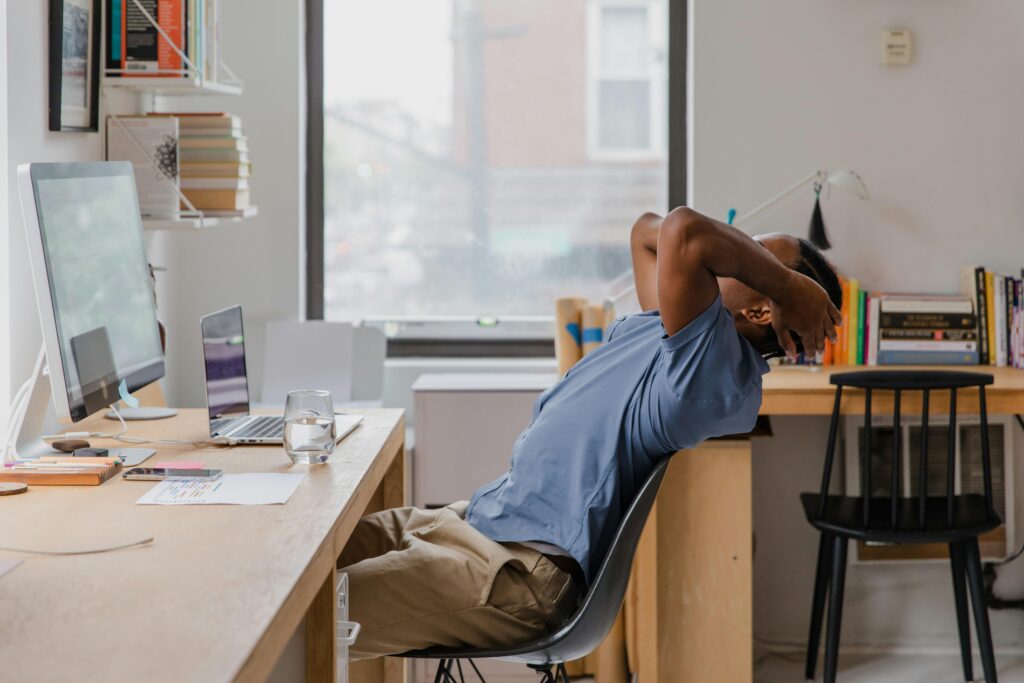
- Not moving enough: Sitting still for hours reduces healthy circulation, drains energy, and promotes fatigue, worsening pain and harming overall health.
Easy Adjustments for a More Ergonomic Home Office
Good news: fixing many of these issues doesn’t mean a full office overhaul or breaking the bank. Here are six of the easiest and most effective tips anyone can try right away:
- Adjust your chair: Make sure your feet, thighs, and your back are well supported. If your feet are dangling, find a box or cushion to use as a footrest for firm foot support.
- Move often: Don’t let yourself sit for more than 60 minutes at a stretch. Even better? Get up every 30 minutes if you can. Walk around, stretch, or do a quick task away from the desk.
- Keep your tools properly positioned: Place your mouse and keyboard where your hands naturally land. Poor placement is a quick route to wrist and shoulder pain.
- Neutral neck posture: Aim to keep screens, like your phone, tablet, laptop, monitor, directly in front of you with the top edge at or slightly below eye level. Make sure you avoid repetitive chin lifting and neck bending. Your neck will thank you.
- Save your eyes: Cut back on screen time across all devices. Step outside during breaks to soak up some natural daylight, when possible, it’s a great way to reset your eyes and your mind.
- Mind your mouse mechanics: Avoid flicking your wrist side to side when moving the mouse. Instead, use your whole arm and keep the wrist straight. Bonus: ditch the wrist rest, it can actually contribute to awkward working postures and wrist contact stress.
Want to move more? Gadgets and Gear: Helpful or Hype?
Employers and employees alike have embraced some creative ways to reduce sedentary time and encourage activity during work hours. Adjustable height desks get a solid thumbs-up since they allow you to alternate between sitting and standing. The trick? Don’t just stand still for hours, change positions every 10 to 60 minutes to keep your metabolism and posture happy.
What about treadmill or cycling desks? They sound great in theory, but multitasking, like typing emails while walking, can actually divide your focus and hurt productivity. It’s a classic brain overload scenario.
Balance aids like wobble boards or stability balls are fantastic for strengthening core muscles and improving posture. But using them while trying to work can quickly tire you out and lead to poor posture and muscle strain if overdone. Plus, they need to match your workstation height carefully to avoid awkward postures and strains.
Consider This: Our Thoughts on Work From Home Ergonomics
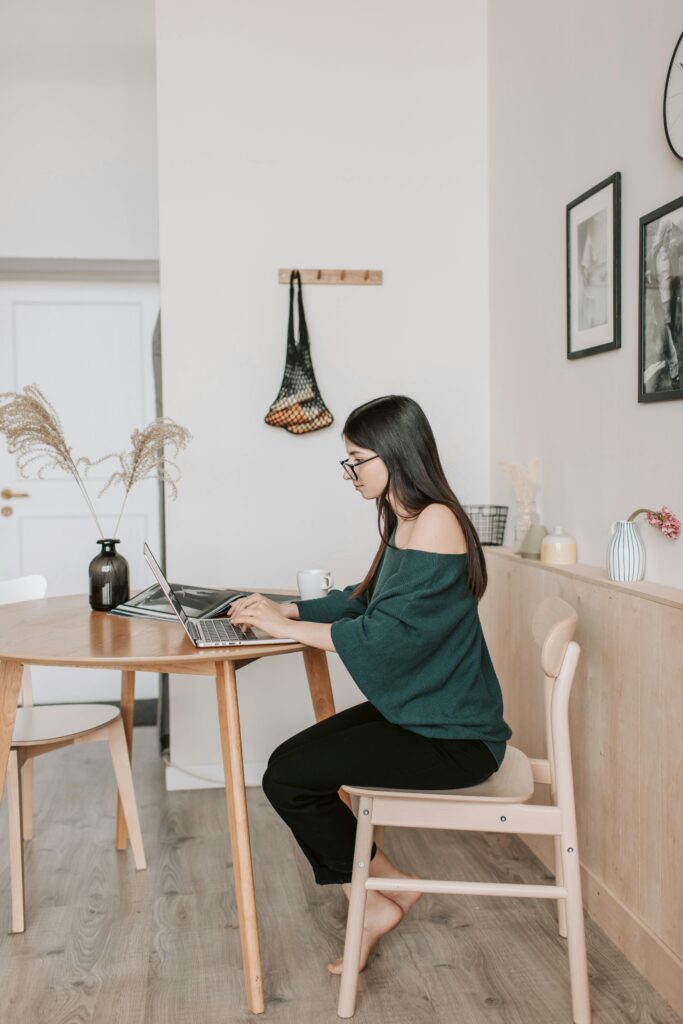
Working from home is increasingly common for many, whether you are in a hybrid arrangement or fully remote as a digital nomad. Take the time to consider how you move and how you arrange your workspace, as it can lead to significant benefits. Remember fancy gadgets and the perfect chair are not substitutes for moving regularly and paying attention to your body’s needs.
Our best advice is to sprinkle short periods of movement and core exercises into your day. Taking the stairs, deep breaths or stretching, and other activities can make a huge difference for your comfort and productivity.
Want to make sure your workstation is optimized for ergonomic alignment and health? Reach out to us for ergonomic assessments and training.
